Shopify Product Image Resizer
Prepare an exact 2048 × 2048 square product image for Shopify.
Saved only in this browser.
✓ Recommended settings applied2048 × 2048 px · Pad (no cropping)
Loads a site-owned example; your own files still stay on this device.
Use this tool for a specific image job
Standardize an entire catalog after checking crop, margins and small-label readability on one sample.
Recommended settings
- Canvas: 2,048 × 2,048 px
- Use Pad for consistent white or brand-color margins
- Do not enlarge an already small source
- Move approved settings into Batch Workflow for the remaining files
Limits to check
Resizing cannot invent product detail or automatically choose the best crop. Theme requirements and upload limits may differ.
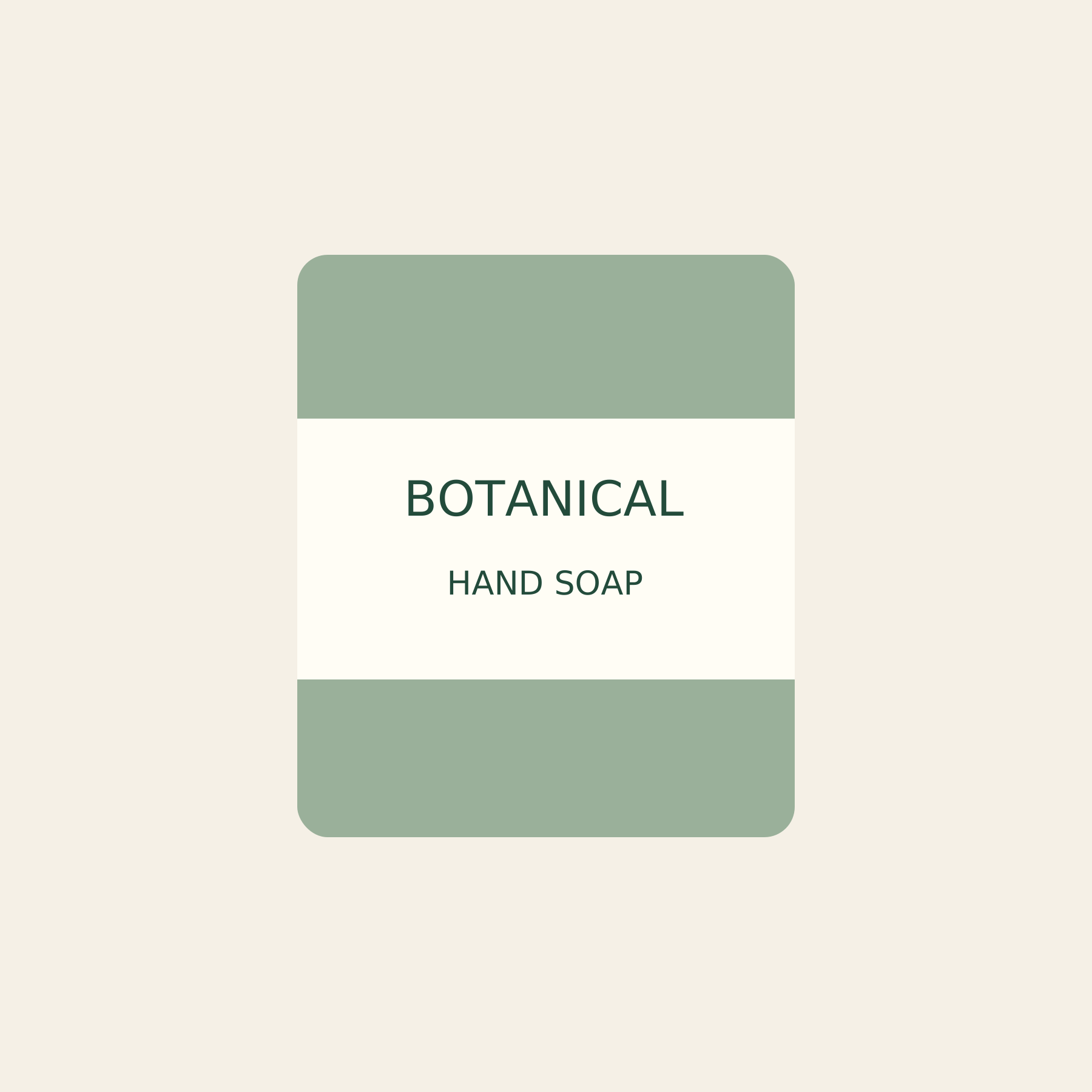
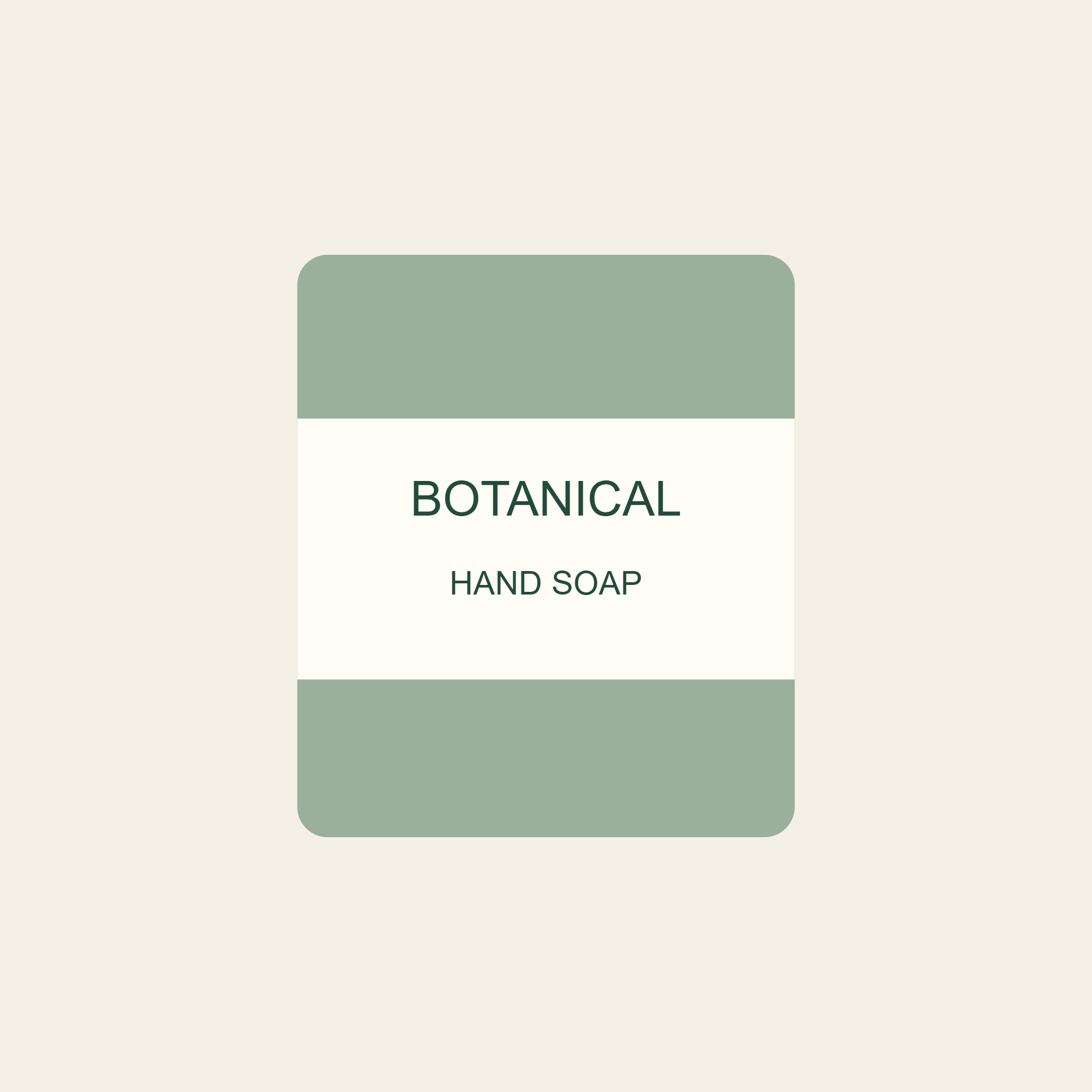
Real before-and-after example
Rasterizing this unusually compact vector increases bytes; the example verifies dimensions, not photo compression.
Simple by design
Finished in three small steps.
No account, no queue, and no complicated settings.
- 01Choose your imageSelect a file from your device.
- 02Adjust your settingsPick the size or quality you need.
- 03Download instantlyYour new image is ready in seconds.