Compress Image to 200KB
Prepare an image under 200KB without uploading it anywhere.
Use this tool for a specific image job
Prepare a JPEG for a form or attachment that requires no more than 200,000 bytes.
Recommended settings
- Target: 200 KB
- Unit: KB = 1,000 bytes for a decimal form limit
- Reduce dimensions: on when quality alone cannot reach the target
- Confirm the exact byte count and visible detail before submission
Limits to check
The default KB unit is 1,000 bytes; KiB is 1,024 bytes. With automatic dimension reduction disabled, an image may remain over the target and will be clearly flagged. JPEG does not preserve transparency or animation.
Real before-and-after compression example
On 8 September 2026, we encoded our own brand graphic locally and verified each output against the decimal byte limit. Browser encoders may choose slightly different quality levels, so always check the result shown for your file.
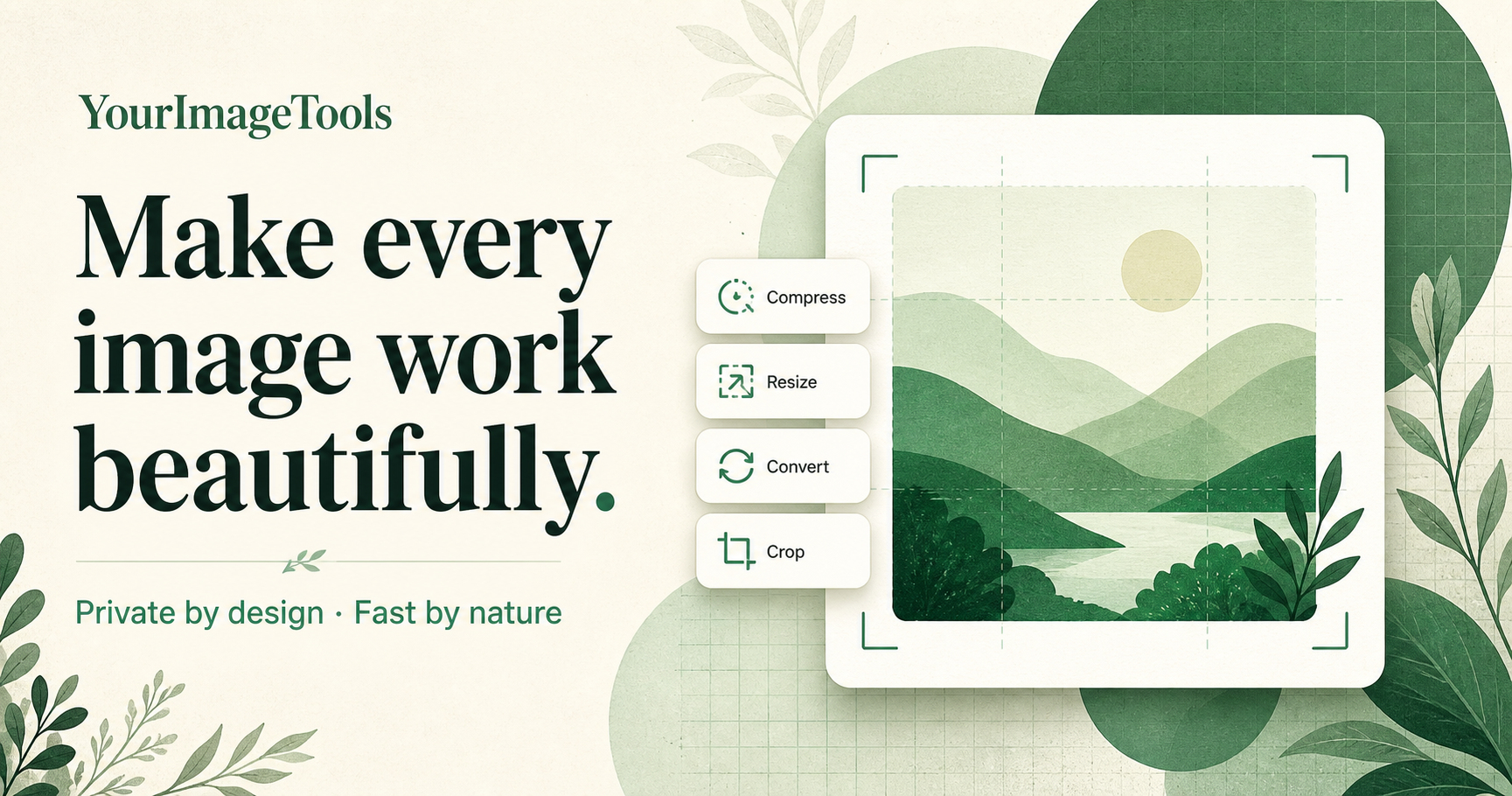
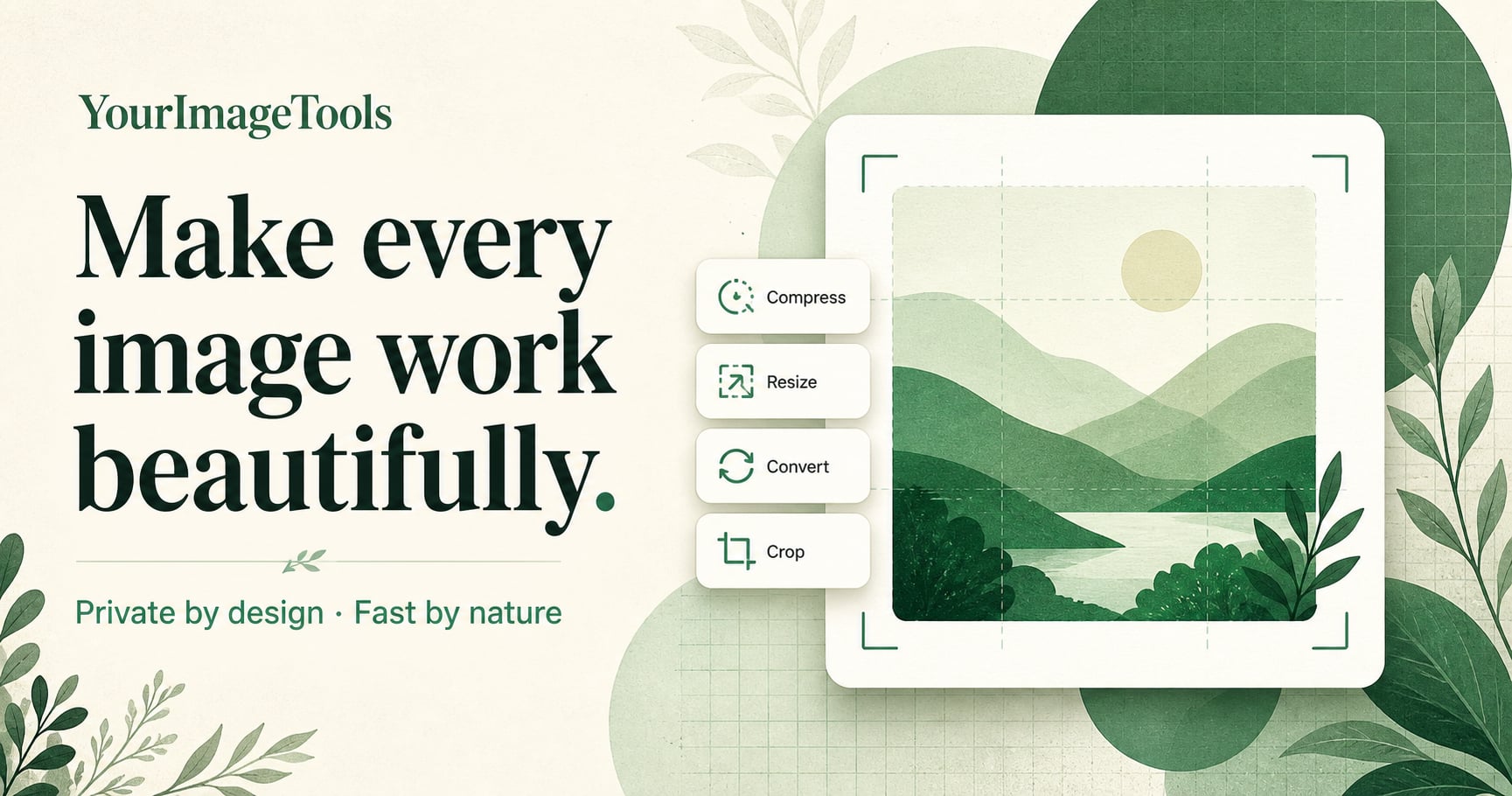
Download the original PNG · Download the verified JPEG
Reproduce it with the preset above. Your result can differ by browser; acceptance depends on the exact byte count, not the rounded label.
Finished in three small steps.
No account, no queue, and no complicated settings.
- 01Choose your imageSelect a file from your device.
- 02Adjust your settingsPick the size or quality you need.
- 03Download instantlyYour new image is ready in seconds.